Where forty minutes fits
- A typical class period in many schools.
- A long run, a bike ride or a gym session.
- A deep work block on one hard problem.
- Slow cooking a stew before the last steps.
Plan the parts of a lesson
Split a forty minute lesson into tasks such as an opener, the main activity and a wrap-up. The timer runs each part in turn and shows the class what comes next.
Questions and answers
How do I start the 40 minute timer?
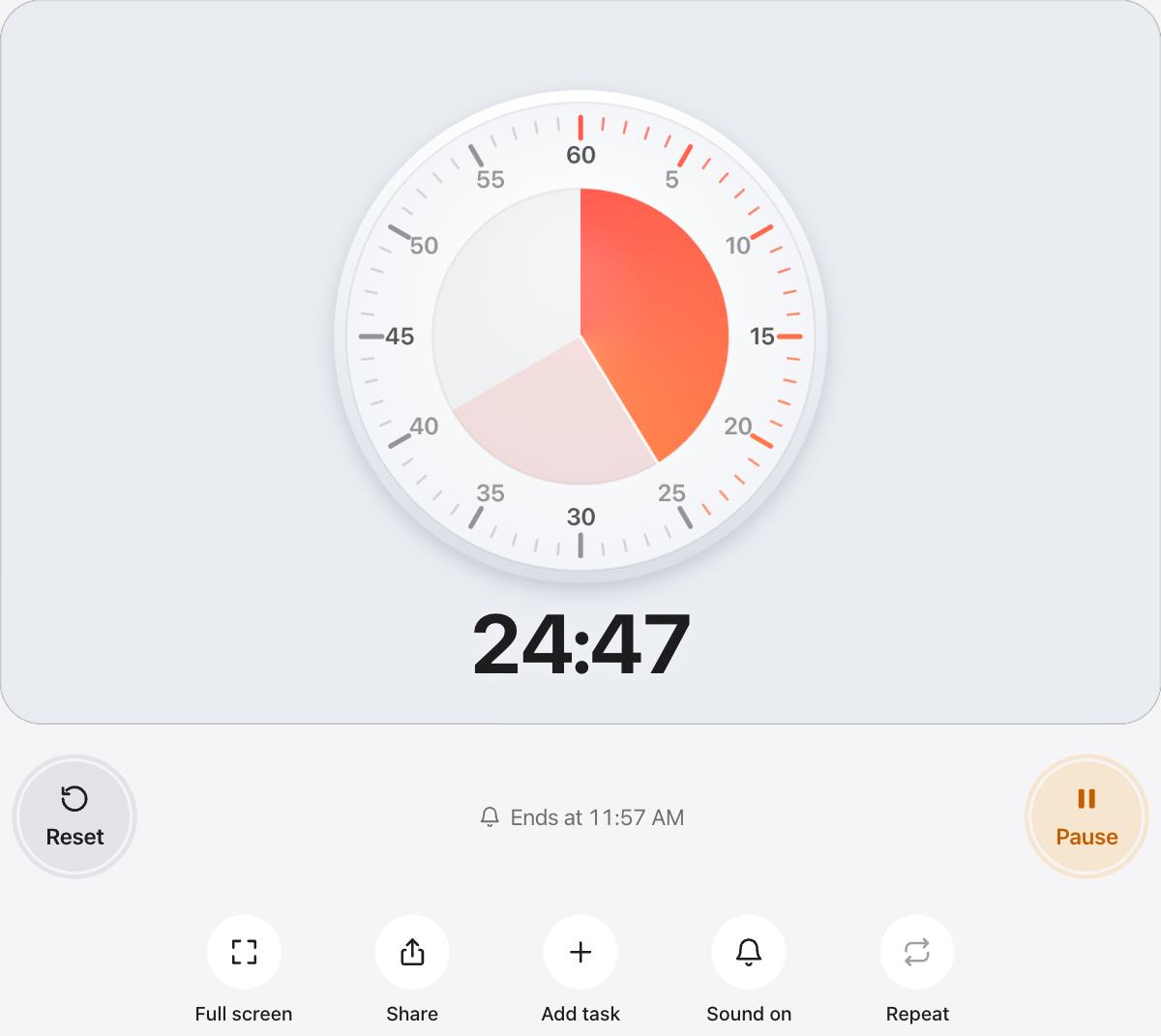
The timer is already set to 40 minutes. Press Start, or press the Space bar on a keyboard. Press it again to pause, and press Reset to bring back the full 40 minutes.
Will it make a sound when time is up?
Yes. A soft chime plays when the time is up, and phones that support it also vibrate. Use the Sound button to turn the chime off for quiet rooms.
Does it keep time if I switch tabs or lock my screen?
The timer counts from the clock, so it stays accurate in a background tab. While it runs, urTimer asks the screen to stay awake so you can keep watching it.
How many seconds are in 40 minutes?
40 minutes is 2,400 seconds.
Can I change the length or the look?
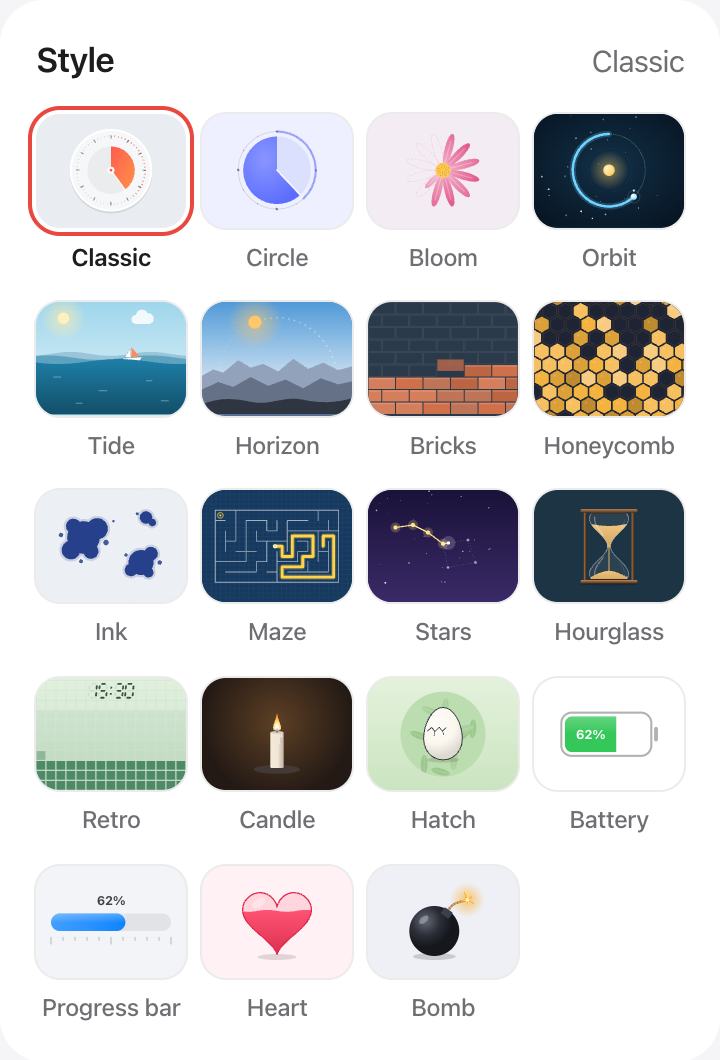
Pick another preset, drag the Classic dial, or choose Custom for any time up to 12 hours. Under Style you can switch to an hourglass, a candle, a progress bar and more, and pick your own colors.