Intervals made simple
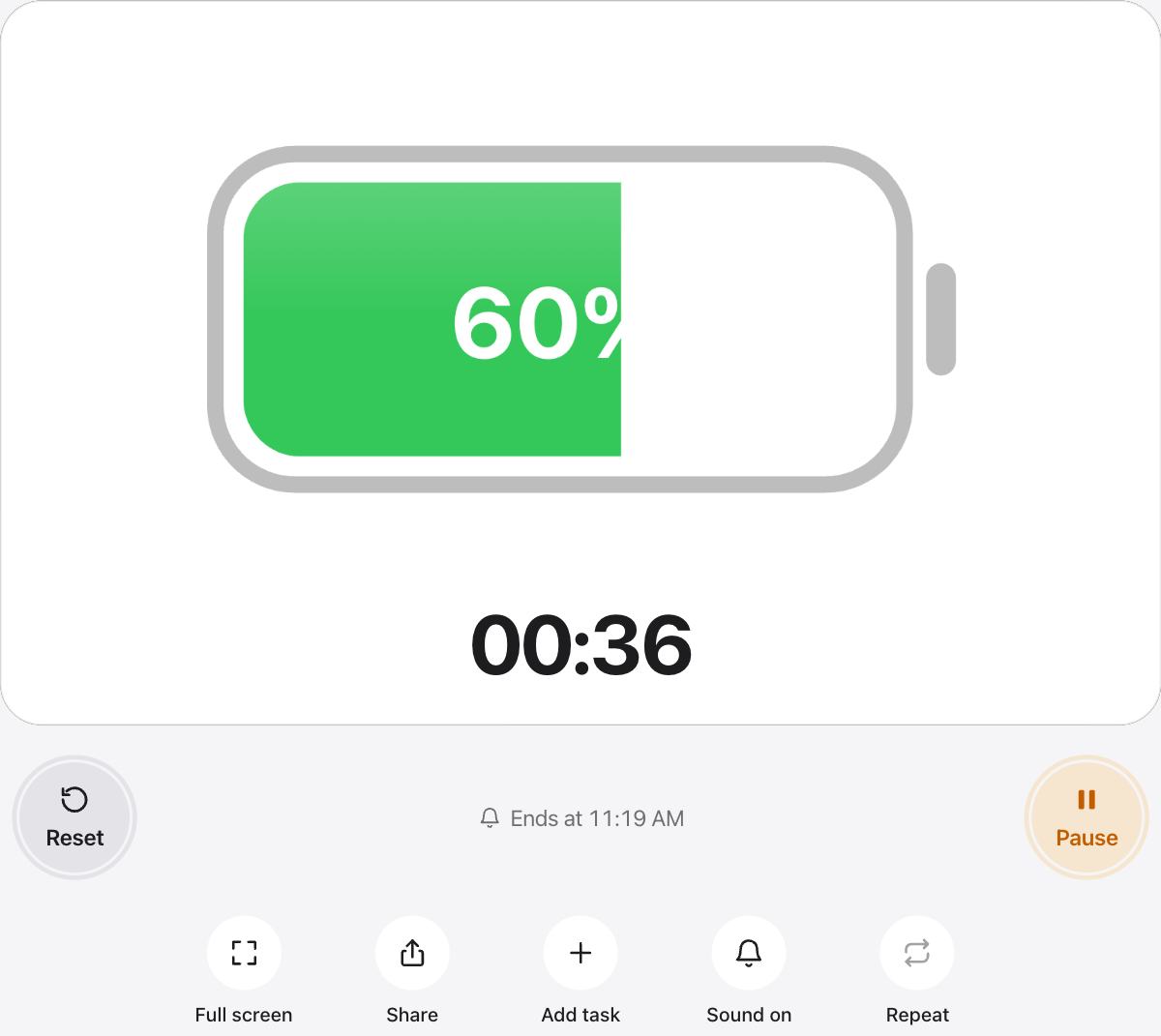
Turn on Repeat and the timer starts again right after the chime, so you can run rounds without touching your phone. The stage shows which round you are on.
For work and rest of different lengths, add them as tasks, for example 40 seconds of work and 20 seconds of rest, and turn on Auto-start next.
Workout ideas
- Plank: hold for one minute, rest for thirty seconds, repeat three times.
- High-intensity rounds: 20 seconds of work and 10 seconds of rest, eight times.
- Rest between sets: 60 to 90 seconds for strength work.
- Warm-up and cool-down: five minutes each.
Readable from the floor
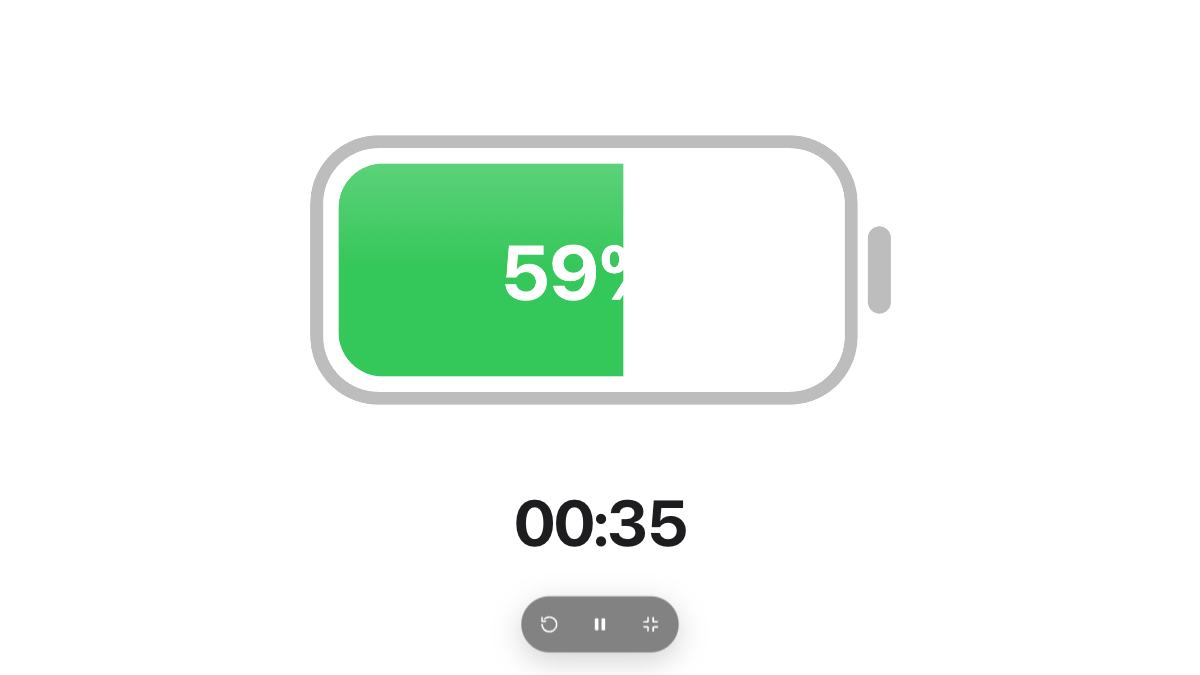
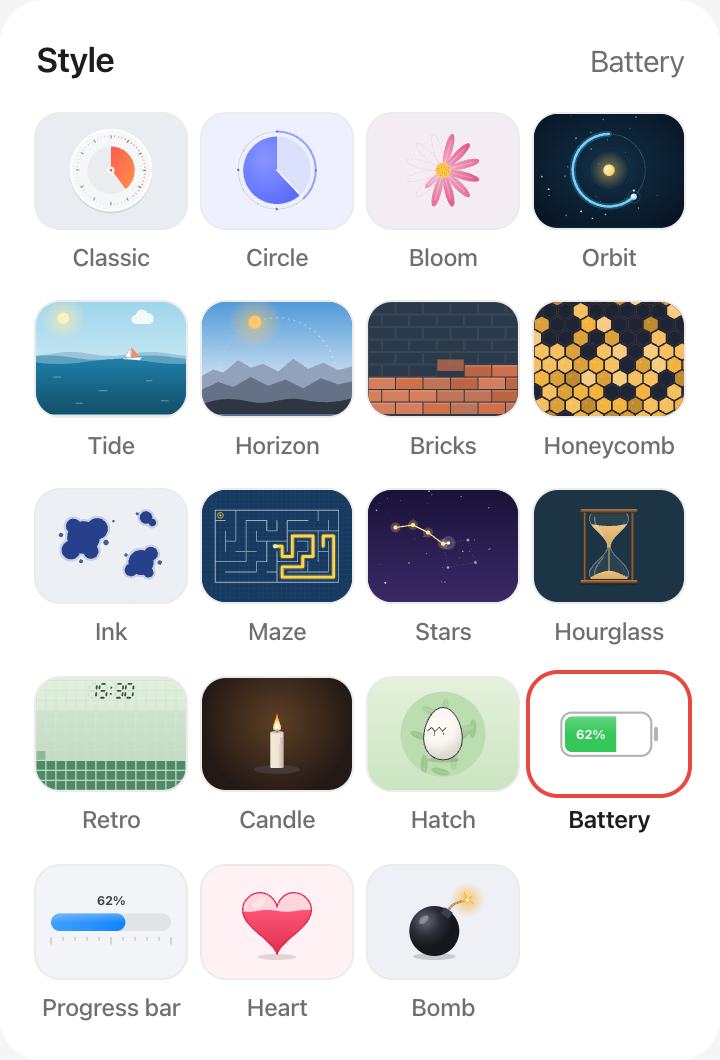
Use Full screen and the Battery or Progress bar style. Both turn orange and red near the end, so you can tell how long is left from the corner of your eye.
Questions and answers
How do I repeat rounds?
Press Repeat under the timer. When the time is up, the timer chimes and starts the same length again, and the stage counts the rounds.
Can I set different work and rest times?
Yes. Add a task for the work period and one for the rest, repeat them in the list as needed, and turn on Auto-start next.
Will it keep my screen on?
While the timer runs, urTimer asks your device to keep the screen awake, so you can see it between sets.
Can I hear it over music?
The chime is soft by design. Turn your device volume up, or watch the color change near the end of each round.