Work in clear blocks
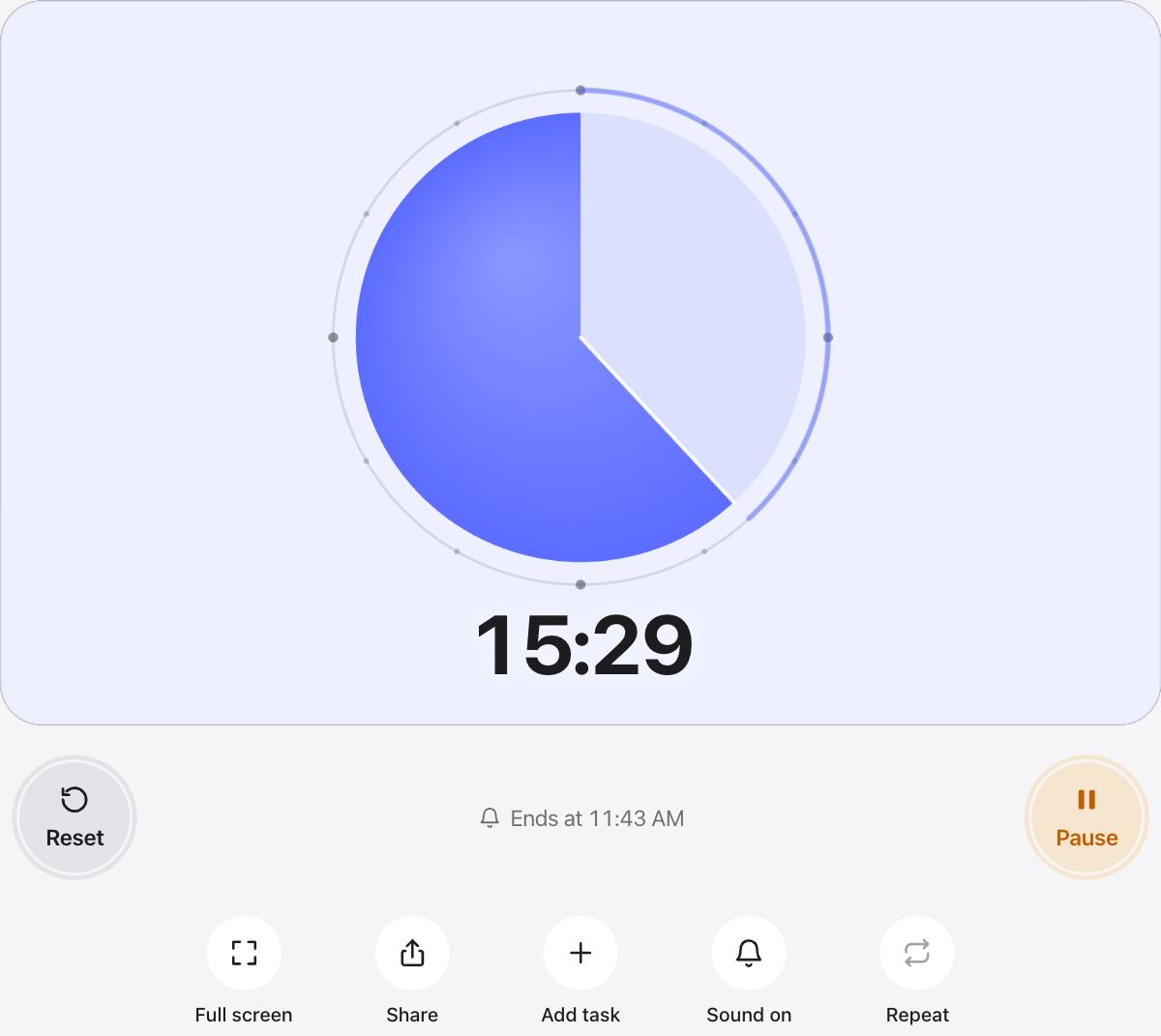
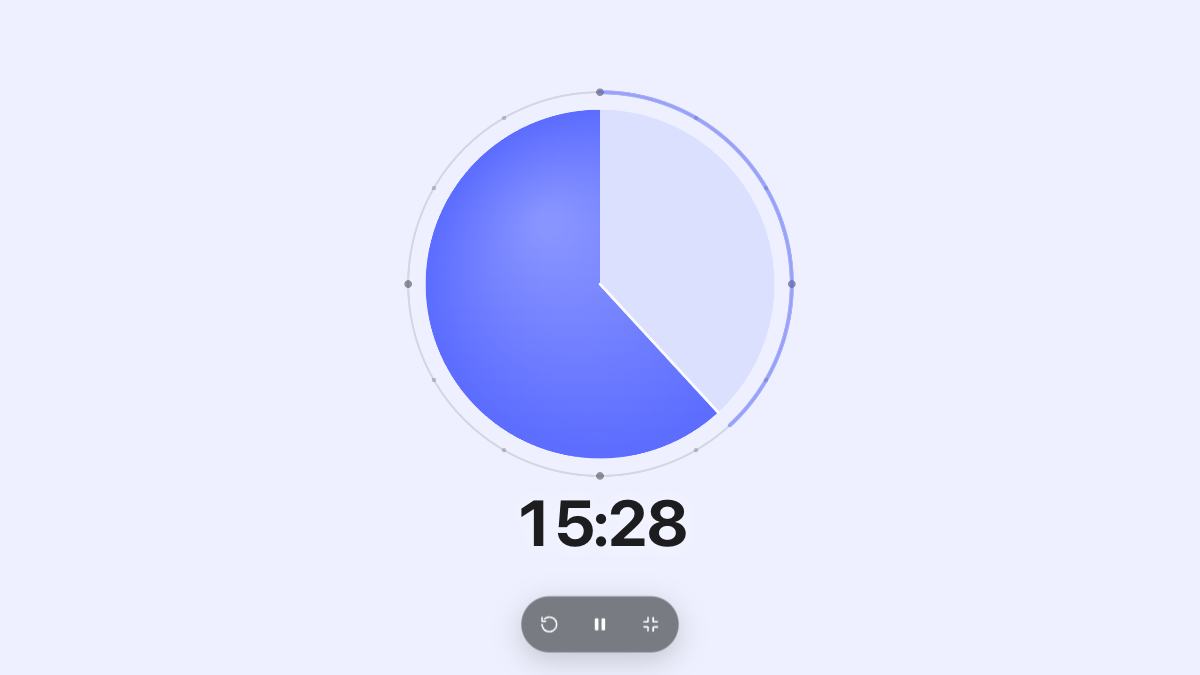
A visible timer turns “work on this” into “work on this until the circle is gone.” A clear finish line makes it easier to start and easier to ignore distractions.
Short sessions of about 25 minutes with a 5 minute break suit most tasks. Longer blocks of 50 or 90 minutes suit deep work such as writing or coding.
Plan a session
- Add a focus task and a break task, for example 25 and 5 minutes.
- Turn on Auto-start next so breaks start by themselves.
- Keep the timer in view, and put your phone out of reach.
- After three or four rounds, take a longer break.
Keep it quiet
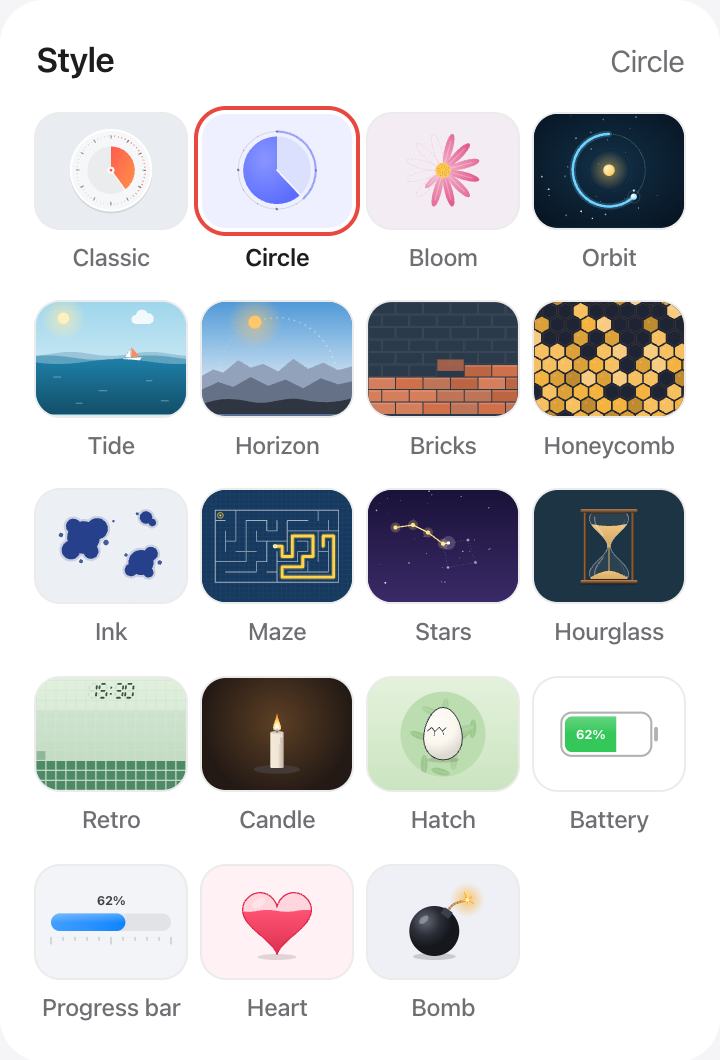
The Circle style is calm and easy to read in your peripheral vision. Turn off the sound if you work in a shared space, and the page title still shows the time left in your browser tab.
Questions and answers
How long should a focus session be?
Start with 25 minutes and a 5 minute break. If you often keep going past the end, try 50 minutes with a 10 minute break.
Can the breaks start automatically?
Yes. Add your sessions and breaks as tasks and turn on Auto-start next. The timer moves to the next task three seconds after each one ends.
Can I see the time in another tab?
Yes. While the timer runs, the browser tab title shows the time left, and the tab icon shows a small dial.
Does the timer track my sessions?
Your tasks show which ones are done and how many minutes are left in your list. Nothing is sent to a server.