What fits in twenty minutes
- A power nap that ends before deep sleep.
- One subject of homework, with a break after.
- Group work in class with a visible deadline.
- A short run or a yoga routine.
Stay on track with tasks
Plan a session as tasks: twenty minutes of work, five minutes of rest, and so on. Each task runs on the timer in turn, and you can see how much of the plan is left at the bottom of the list.
Questions and answers
How do I start the 20 minute timer?
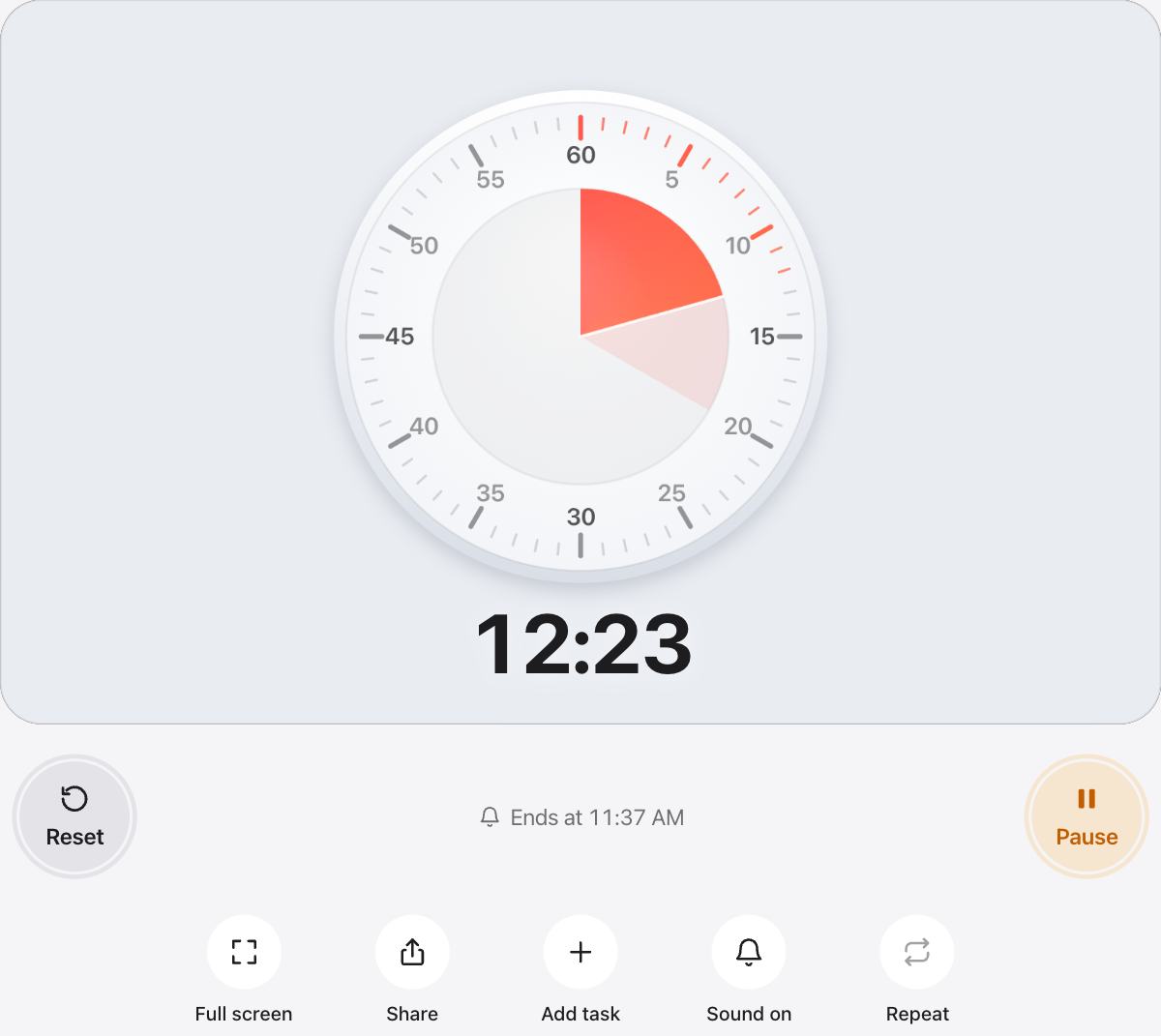
The timer is already set to 20 minutes. Press Start, or press the Space bar on a keyboard. Press it again to pause, and press Reset to bring back the full 20 minutes.
Will it make a sound when time is up?
Yes. A soft chime plays when the time is up, and phones that support it also vibrate. Use the Sound button to turn the chime off for quiet rooms.
Does it keep time if I switch tabs or lock my screen?
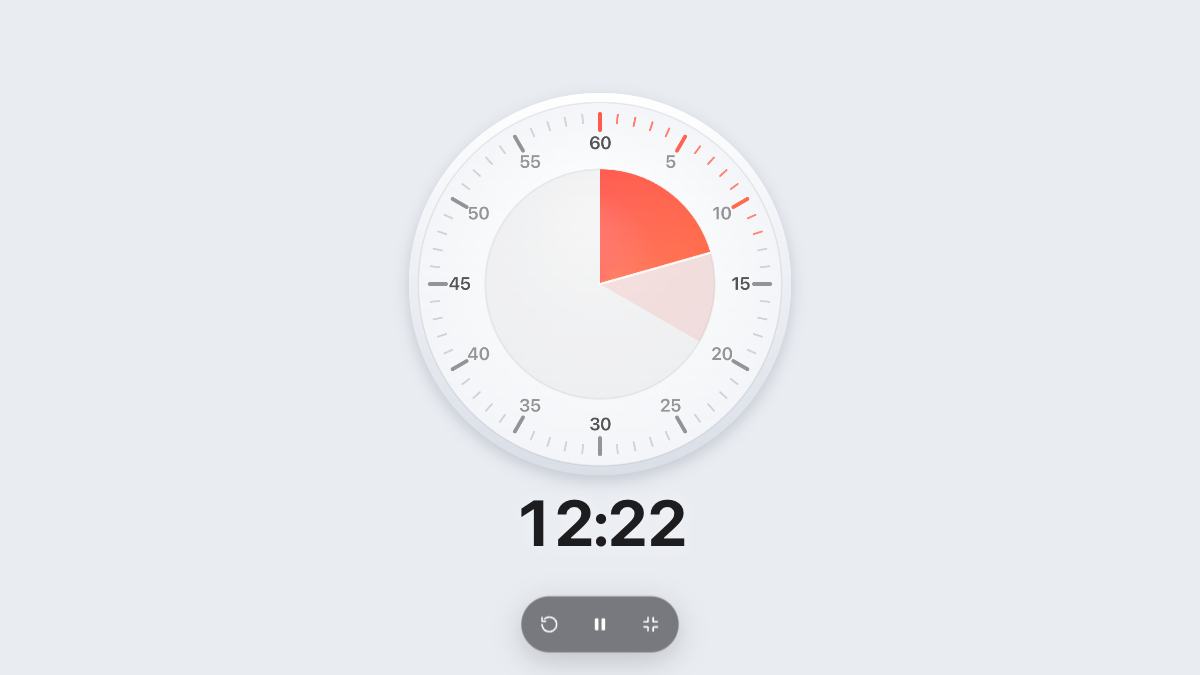
The timer counts from the clock, so it stays accurate in a background tab. While it runs, urTimer asks the screen to stay awake so you can keep watching it.
How many seconds are in 20 minutes?
20 minutes is 1,200 seconds.
Can I change the length or the look?
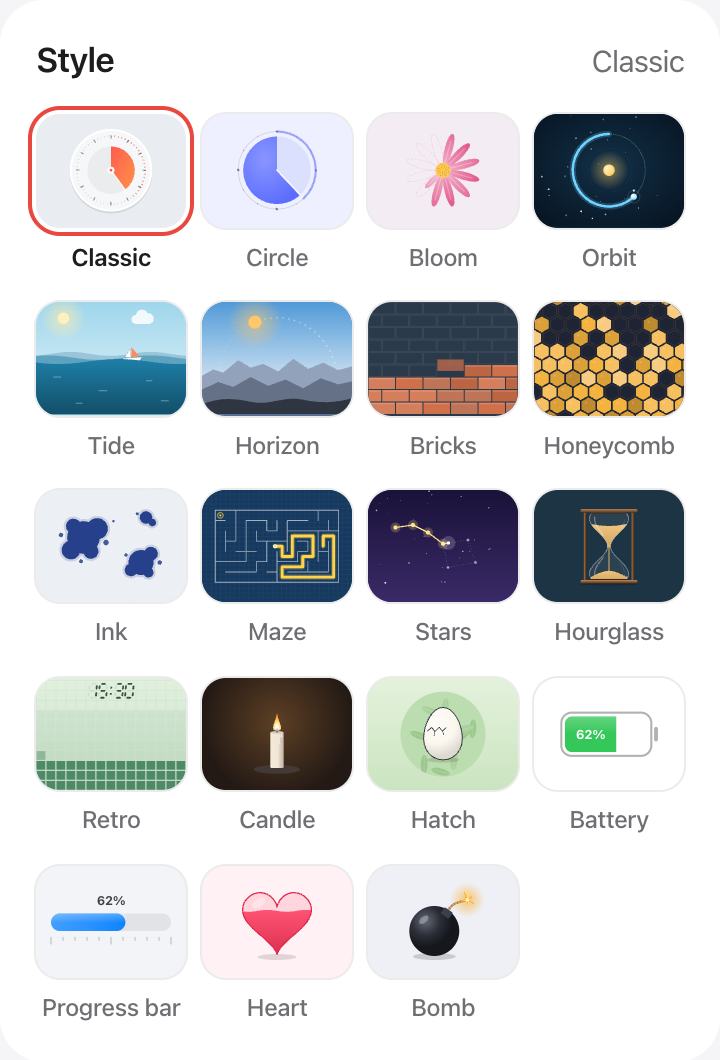
Pick another preset, drag the Classic dial, or choose Custom for any time up to 12 hours. Under Style you can switch to an hourglass, a candle, a progress bar and more, and pick your own colors.