Why fun timers work in class
People pay attention to things that change. A timer that builds, hatches or fills keeps eyes on the countdown and makes transitions feel like a game.
Let the class vote on the style for the day. Ownership makes it easier to stop when the time runs out.
Match the timer to the moment
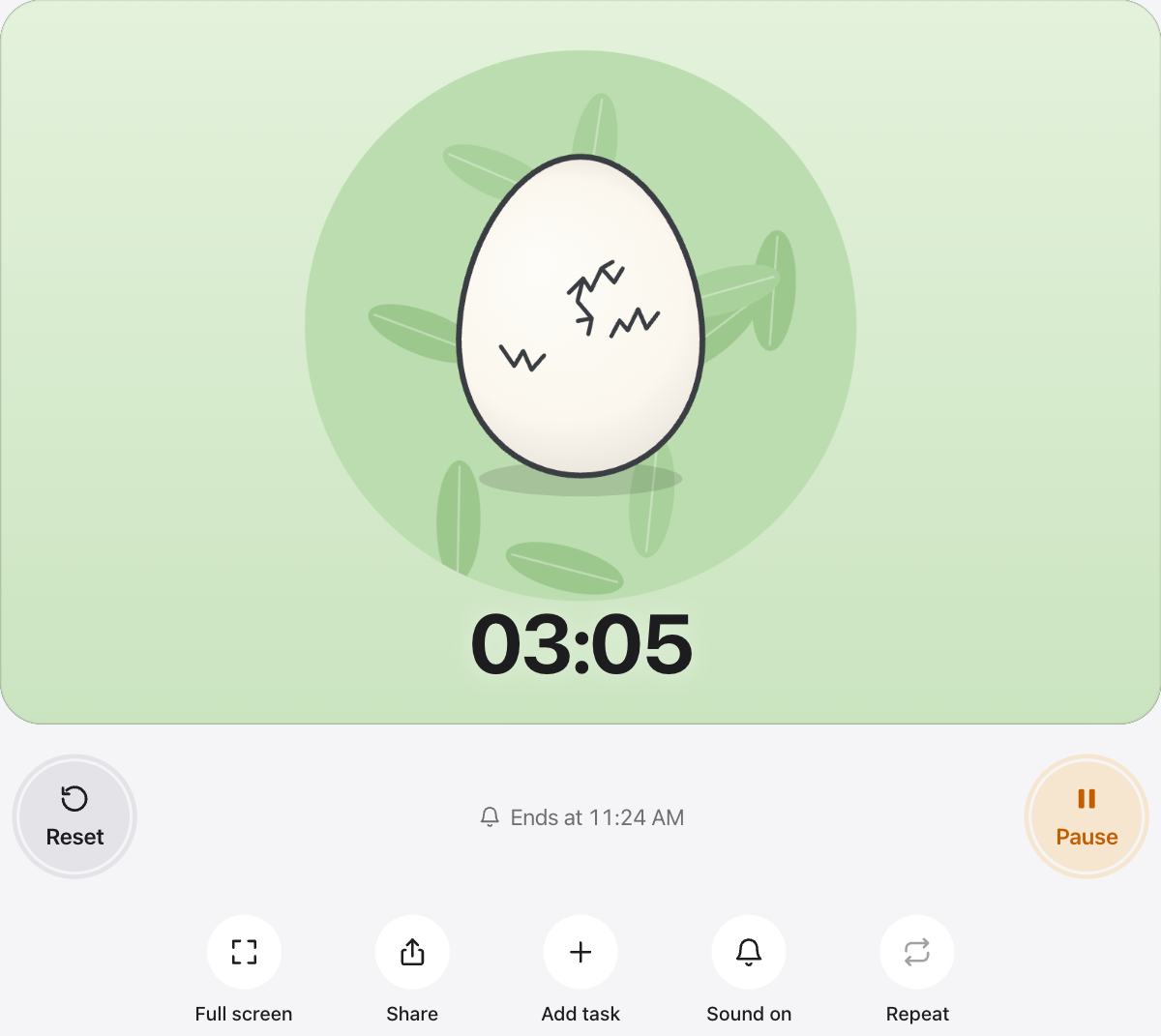
- Hatch for routines: the chick appears when the job is done.
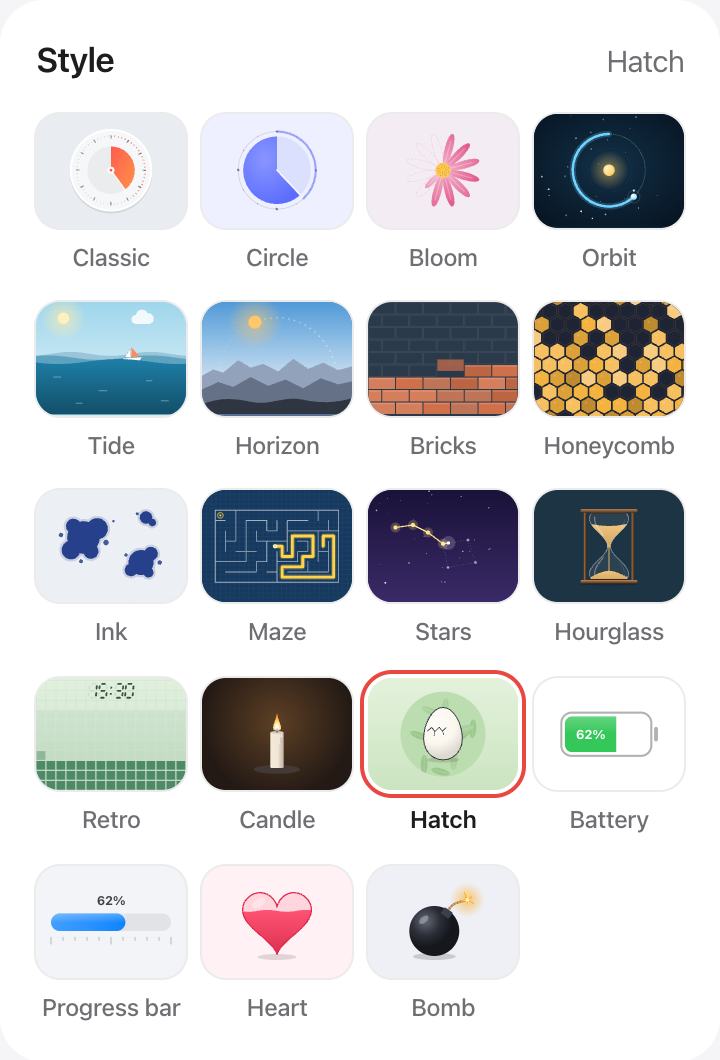
- Bomb or Heart for games and celebrations.
- Bricks and Maze for building focus during work time.
- Tide, Stars and Orbit for calm moments.
Every style, any length
Each style works for any length from one second to twelve hours, with quick presets, full screen and a soft chime at the end.
Questions and answers
Which fun timer is the most popular?
Hatch is a favorite: an egg cracks as time runs out and a chick hatches at the end. Tide and Bloom are calmer choices.
Can I use these timers on a smart board?
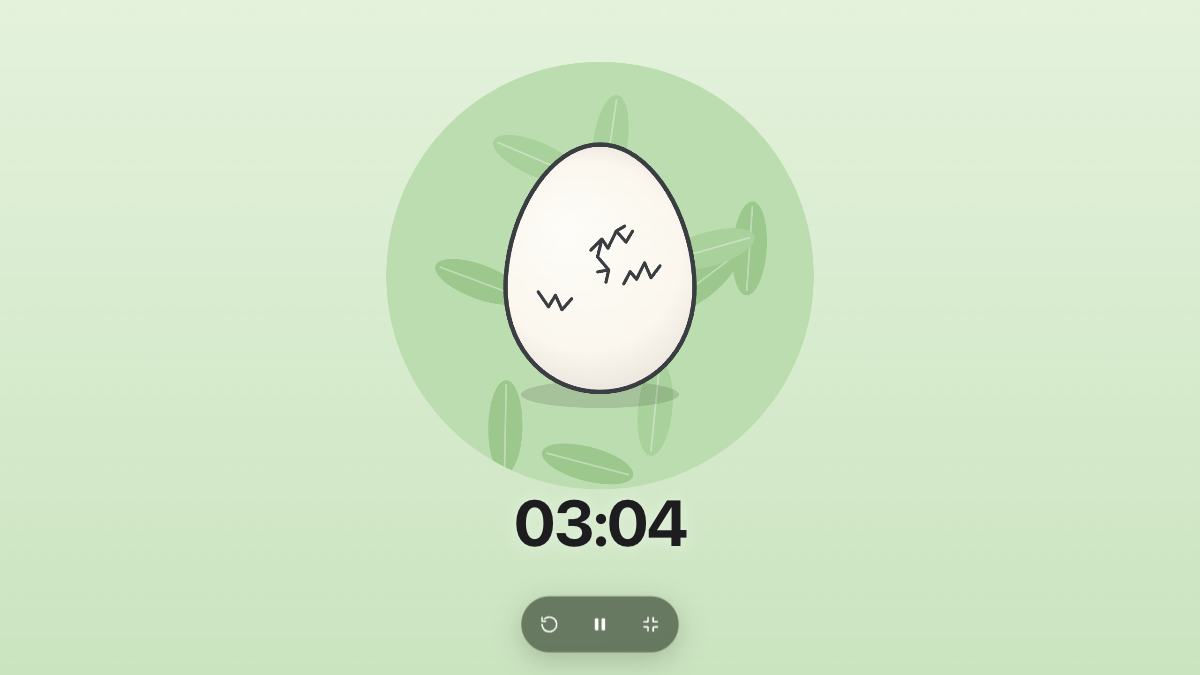
Yes. Press Full screen to show only the timer on a projector, a smart board or a TV.
Are the fun timers free?
Yes. Every style is free, with no sign-up and no app to install.
Can students pick their own style?
Yes. Tap any style here or under Style next to the timer. The choice is kept in that browser.