Counting up versus counting down
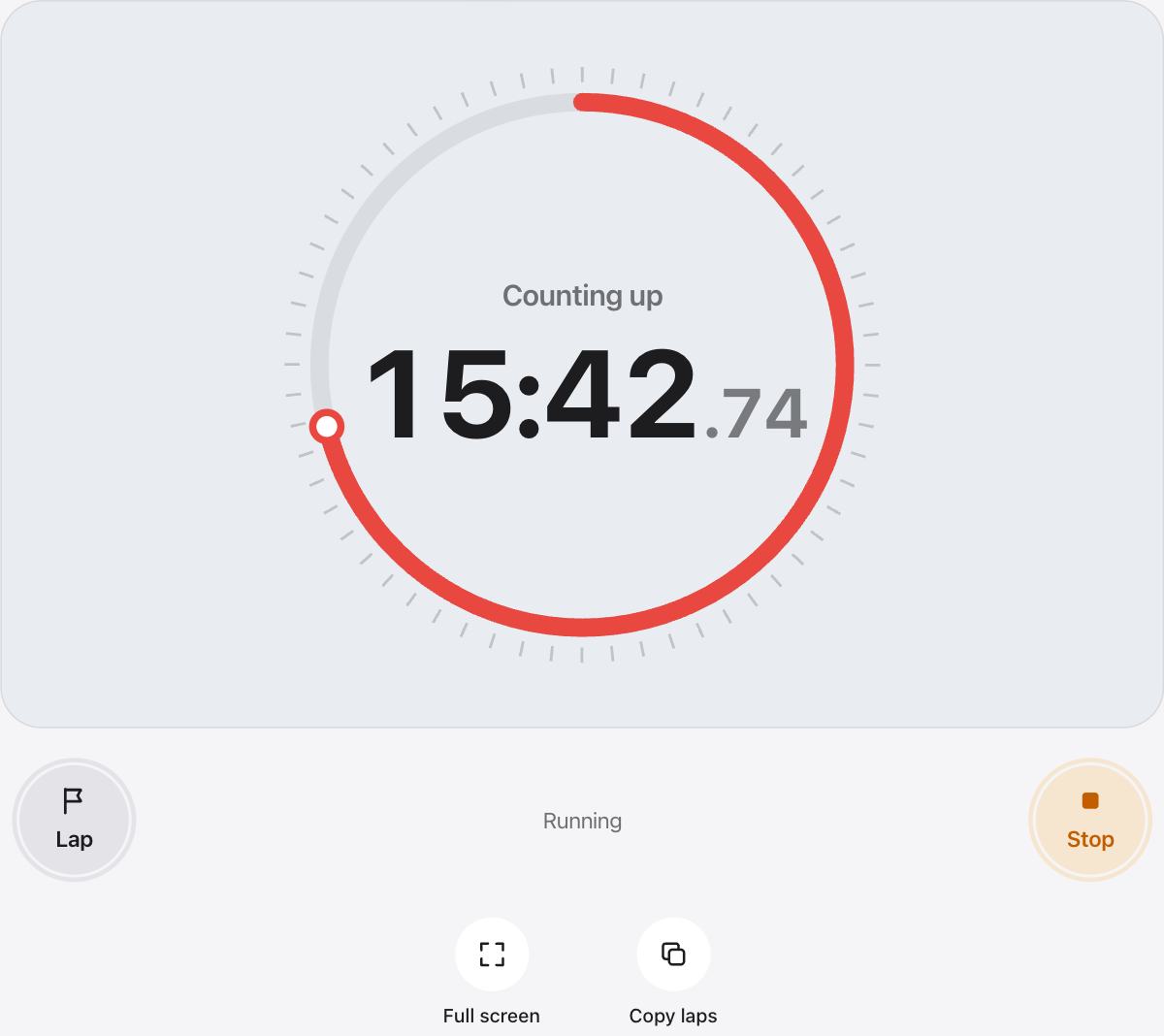
A countdown starts at a set time and runs to zero. A count up timer starts at zero and shows how much time has passed, with no end.
Count up when you do not know how long something will take, or when the time itself is the result, like a plank hold or a long reading session.
Set a reminder chime
Type a number of minutes in Alert me at, and a soft chime plays once when the clock reaches it. The clock keeps counting after the chime, so you can see how far past the mark you went.
Leave the field empty if you want silence. Decimal minutes work too, so 1.5 means one and a half minutes.
Ideas for a count up timer
- Hold a plank or a stretch for as long as you can
- See how long a meeting or a phone call really lasts
- Time a study session and check your total at the end
- Measure how long your morning routine really takes
- Log practice time for an instrument or a language
Big digits for any room
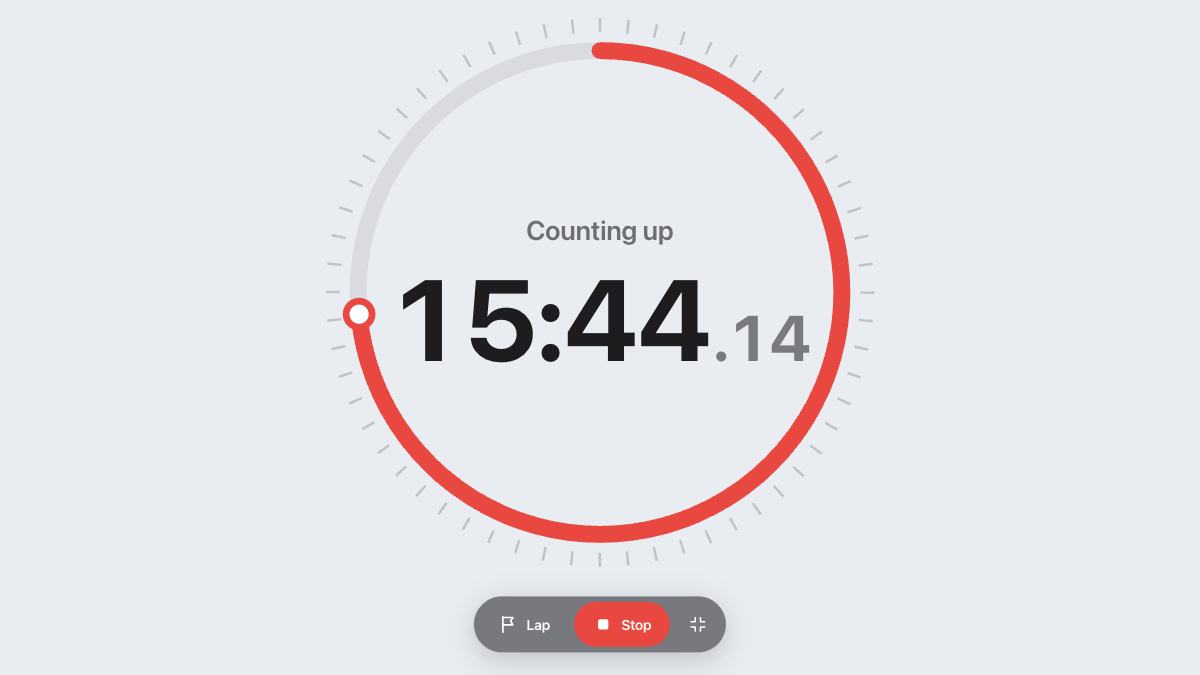
The display scales with your screen. Press Full screen to fill the screen with the clock, which is handy on a laptop across the room or a TV during a workout. Your screen stays awake while the clock runs, where the browser allows it.
Questions and answers
What is a count up timer?
It is a timer that starts at zero and counts the time that has passed, like a stopwatch. It is the opposite of a countdown, which runs down to zero.
Can it alert me after a set time?
Yes. Enter the minutes in Alert me at. A chime plays once when the clock gets there, and the count carries on.
Will it keep counting if I reload the page?
Yes. The start time is saved in this browser, so the count is still right when you come back, even after closing the tab.
Can I pause a count up timer?
Press Stop to pause and Start to carry on from the same time. Reset brings the clock back to zero.
Does it work on a phone?
Yes. It works in any modern browser on phones, tablets and computers. There is nothing to install and no sign-up.