How repeating works
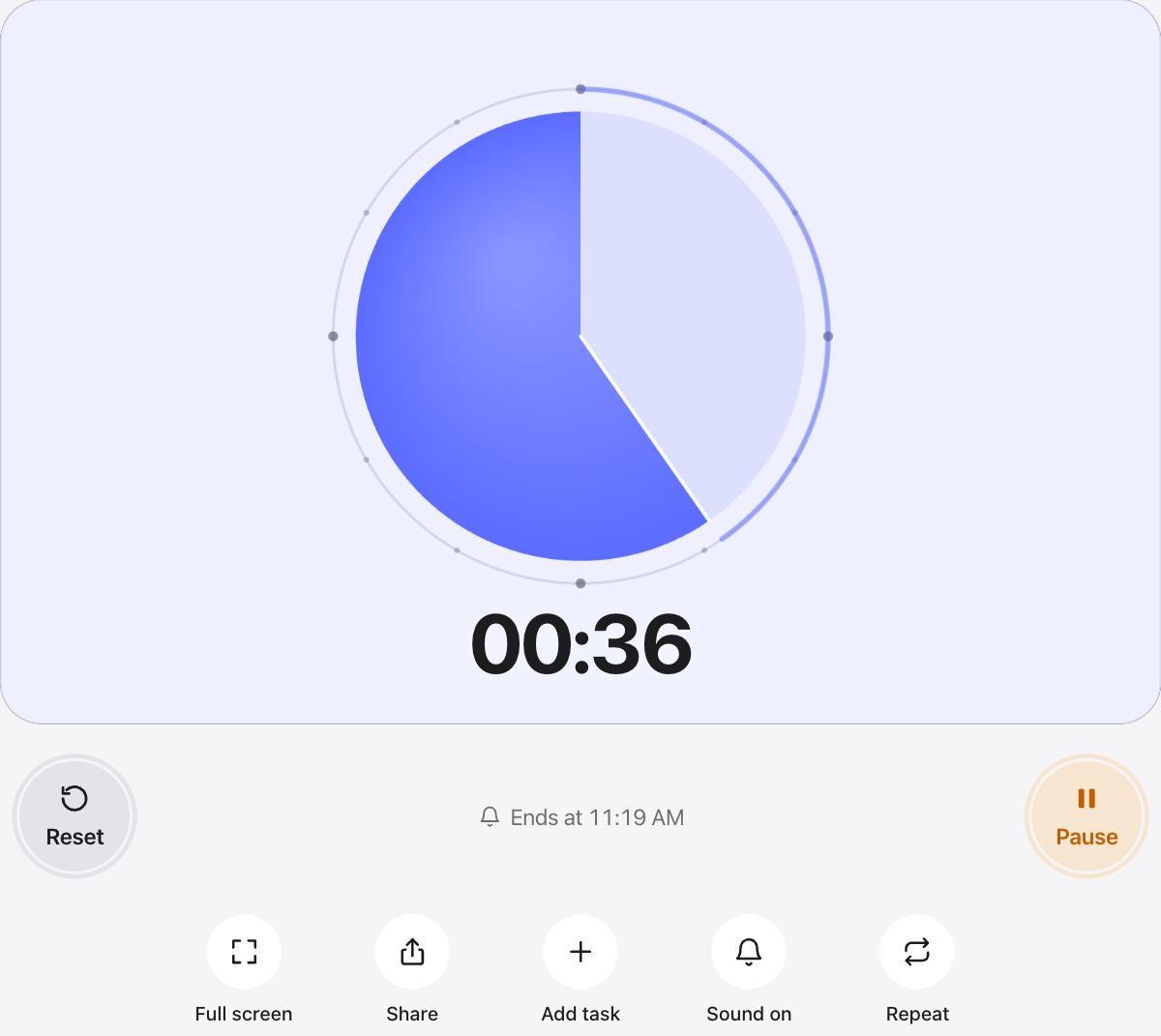
Repeat is already on for this page. When the time is up, the timer chimes, waits a moment and starts the same length again. Press Pause or Reset to stop.
Turn Repeat off with the button under the timer, and on again on any other timer page.
Ideas for a repeating timer
- Interval training: one minute rounds until you stop.
- Speed drills, flash cards or music practice.
- Reminders to stand up or drink water every ten minutes.
- Turns in a game, so every player gets the same time.
Different lengths in a row
If your rounds are not all the same, add each one as a task and turn on Auto-start next instead. Tasks run in order and then stop.
Questions and answers
How do I stop the timer from repeating?
Press Pause to stop the current round, or press Repeat to turn repeating off. Reset brings back the full time and the round count.
Is there a pause between rounds?
The next round starts about one and a half seconds after the chime, long enough to hear it and get ready.
Can I see how many rounds I have done?
Yes. From the second round on, the stage shows “Round 2”, “Round 3” and so on.
Can I repeat a one minute timer for an hour?
Yes. It repeats until you stop it. Count the rounds on the stage, or set a separate one hour timer in another tab.