The simplest way to see time
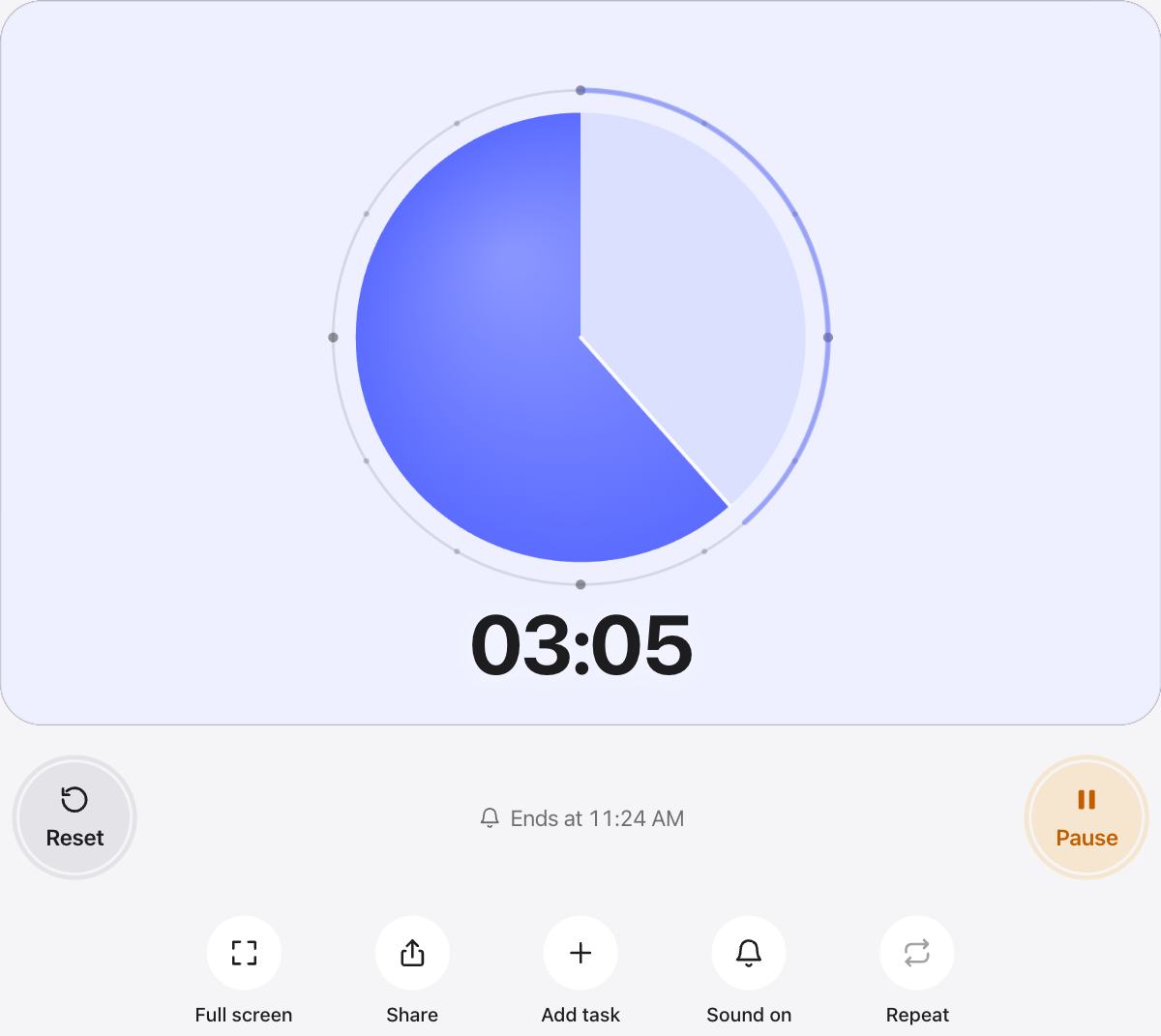
A circular countdown shows the share of time left, not the number. Half a circle is half the time, a sliver is almost done.
Because the circle always starts full, it reads the same for a 30 second turn and a two hour exam.

Where a circle timer shines
- Classrooms and therapy sessions, where numbers can distract.
- Focus sessions, as a calm shape in the corner of your eye.
- Presentations and debates on a shared screen.
- Random timers that should not give the time away.
Prefer a clock face?
The Classic style is a radial dial with minute marks. It shows up to an hour like a real clock, and you can drag it to set the minutes.
Questions and answers
What is a radial timer?
A radial or circular timer shows the time left as part of a circle. This one shrinks clockwise, like the hand of a clock.
Does the circle start full for any length?
Yes. One minute or one hour, the circle starts full and shrinks to nothing when the time is up.
Can I change the circle’s color?
Yes. Pick a color under Color, or any color you like with the plus swatch.
Can I use it in full screen?
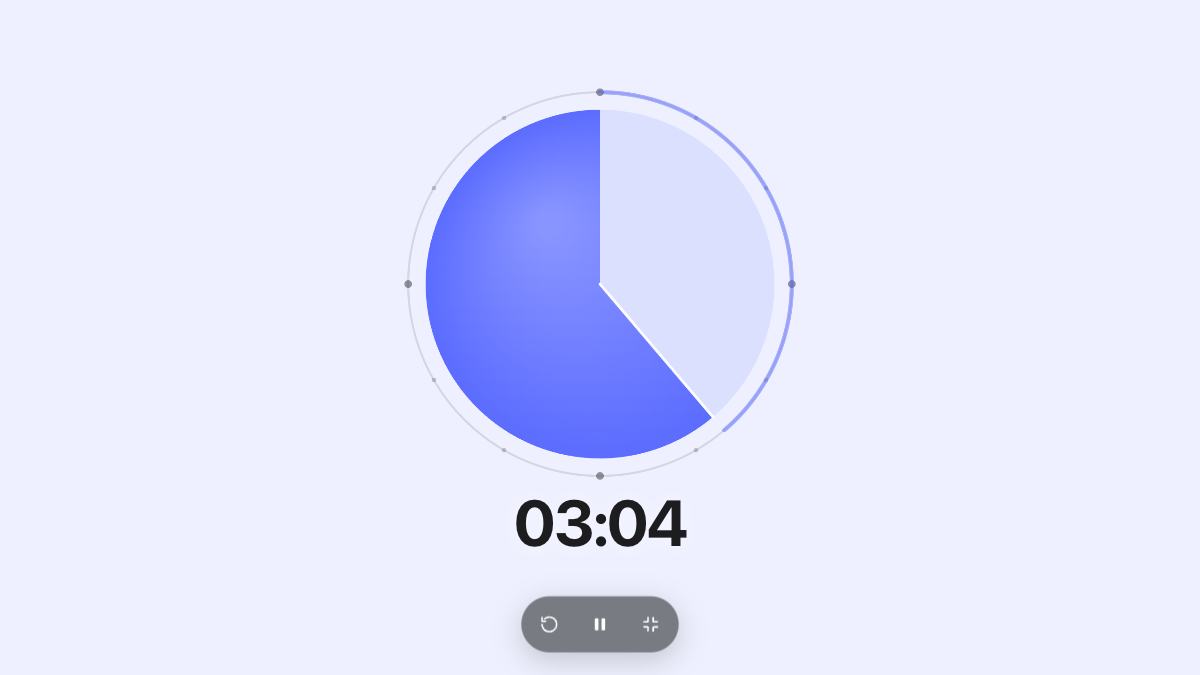
Yes. Press Full screen to show only the circle and the time.