How the lap timer works
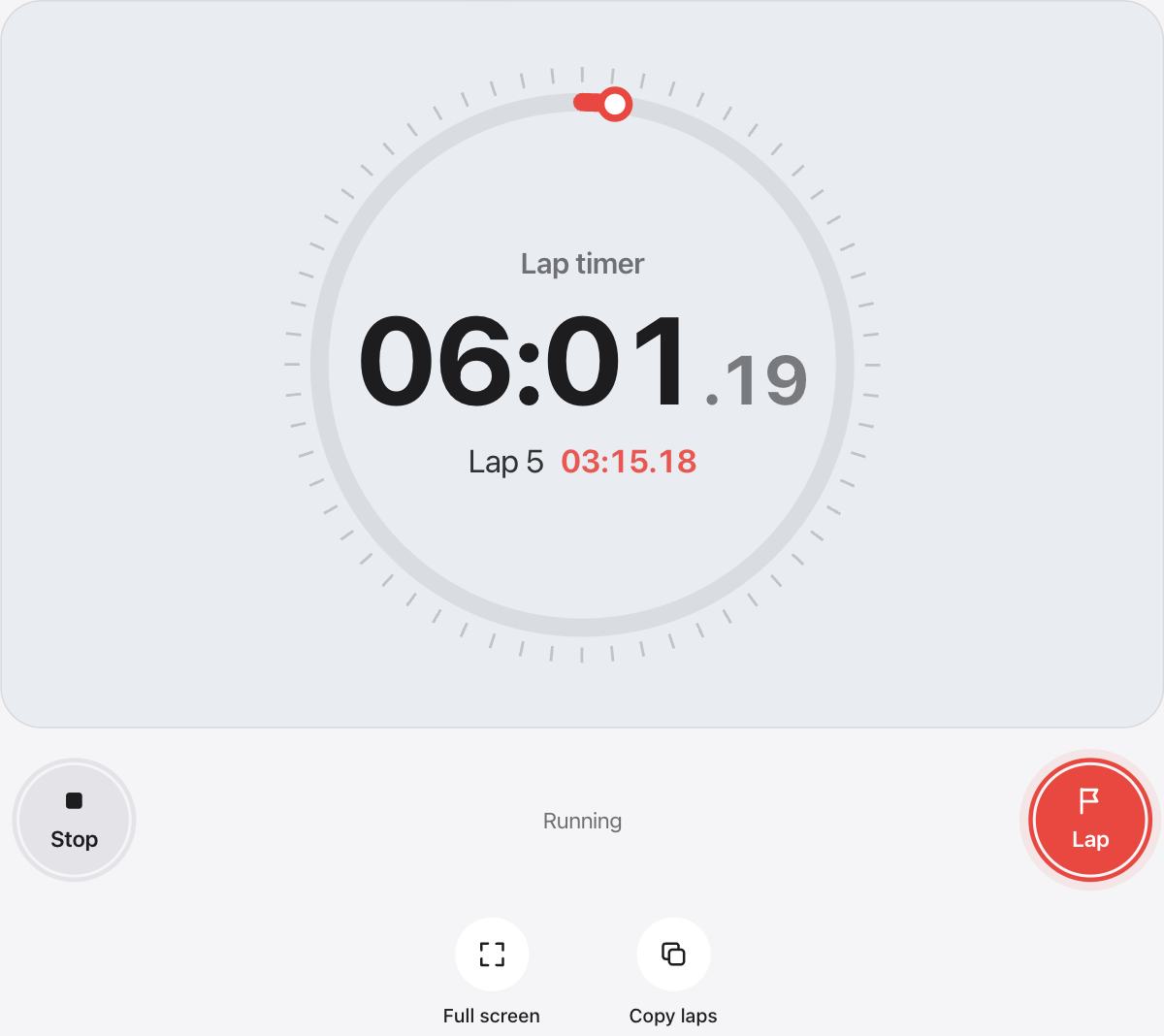
Press Start to begin. While the clock runs, the large button becomes Lap, so tap it at the end of every lap. The smaller button stops the clock, and once it is stopped it resets it.
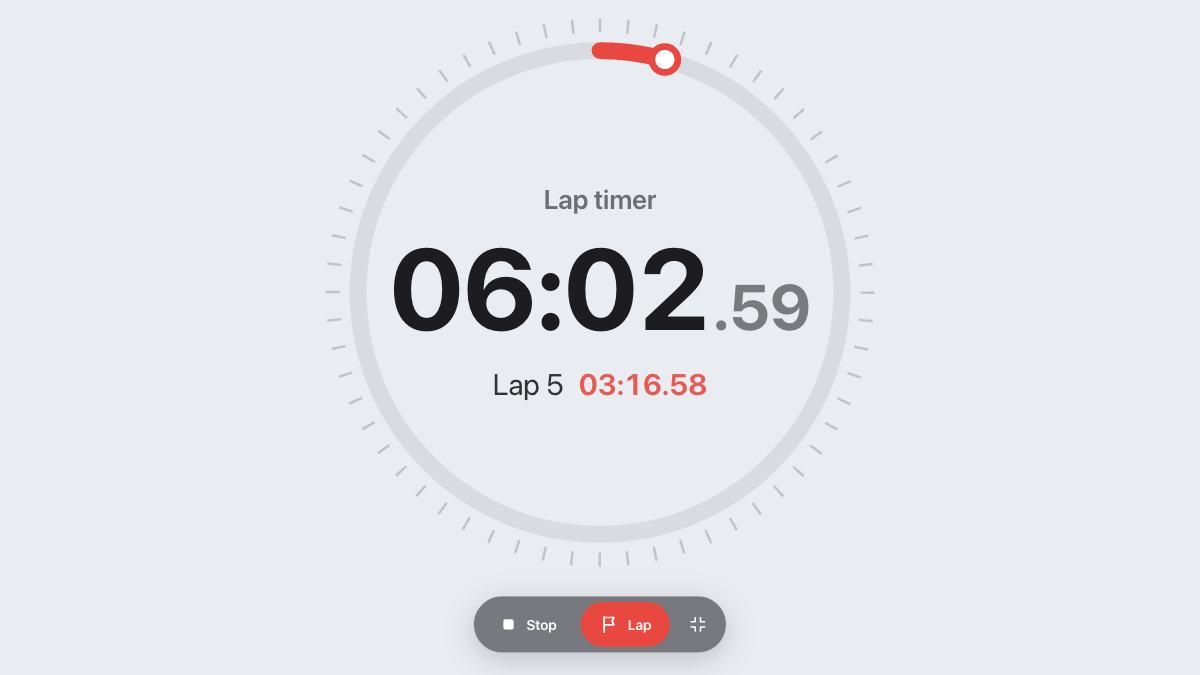
The current lap is shown under the total, so you can see how the lap you are on compares while it is still going.
Lap time, split and total
Some coaches call the lap time a split. Either way, it is the time for that stretch alone.
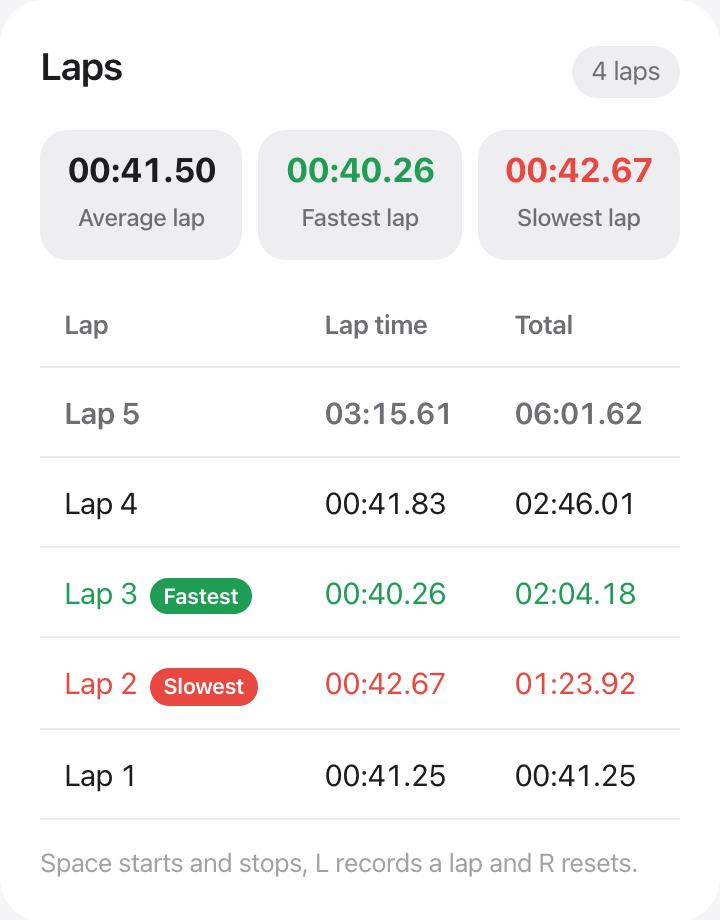
- Lap time is how long one lap took, from the previous tap to this one
- Total is the time since you pressed Start
- Fastest and slowest laps are marked in green and red once you have two laps
- Average lap is the time of all your laps divided by how many there are
Tips for timing laps
- Tap as the runner or swimmer crosses the line, not when you see them coming
- On a laptop, press L to record a lap and the space bar to stop
- The timer asks your browser to keep the screen awake while it runs
- Copy the laps when you finish and paste them into a spreadsheet to compare sessions
Who uses a lap timer
Runners on a track, swimmers counting lengths, cyclists on a loop, coaches timing a group and teachers running relay races all use lap timing. It also works for anything you repeat, like each round of a game or each item on a production line.
Questions and answers
What is the difference between a lap and a split?
A lap time is how long one lap took. Split is often used to mean the same thing, though some people use it for the running total at each point. urTimer shows both, so you can read whichever you need.
How many laps can I record?
As many as you like. The table scrolls, and the fastest, slowest and average update with every lap.
How do I save my lap times?
They stay in this browser until you reset. To keep them somewhere else, press Copy laps and paste the table into a spreadsheet or a note.
Can I time several runners at once?
Use the multi stopwatch to run a separate clock for each person, each with its own name and laps.
Is the lap timer accurate enough for sport?
It shows hundredths of a second and follows your device clock. When timing by hand, your tap is the main source of error, so tap the same way every lap.