Calm visuals for long sessions
Study sessions feel shorter when the timer is pleasant to look at. These styles change slowly and smoothly, so they stay calm in the corner of your eye.
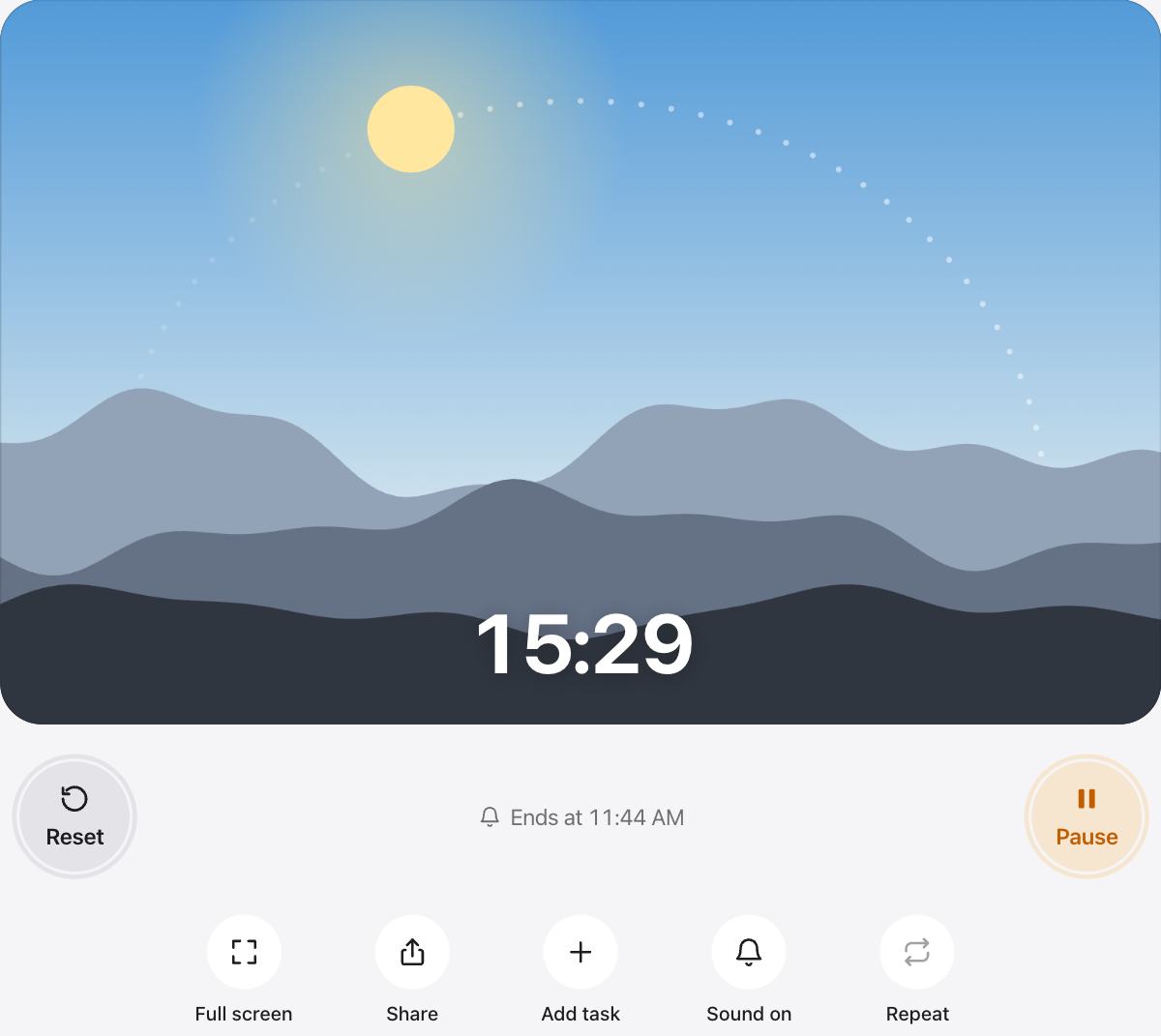
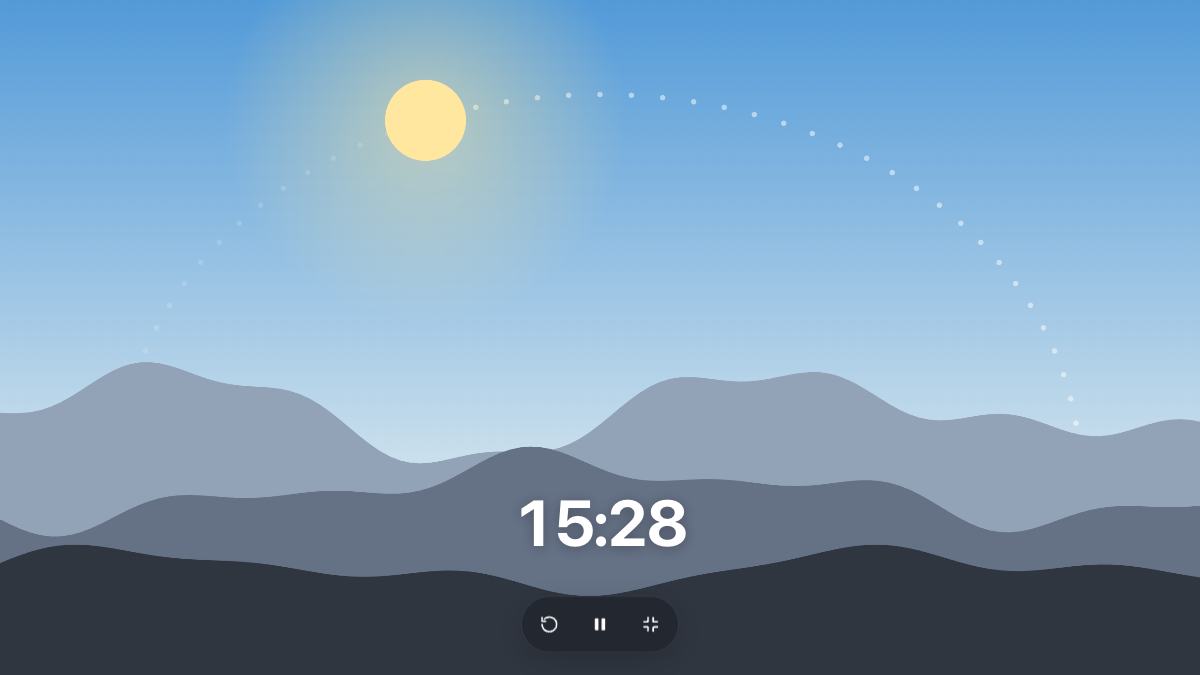
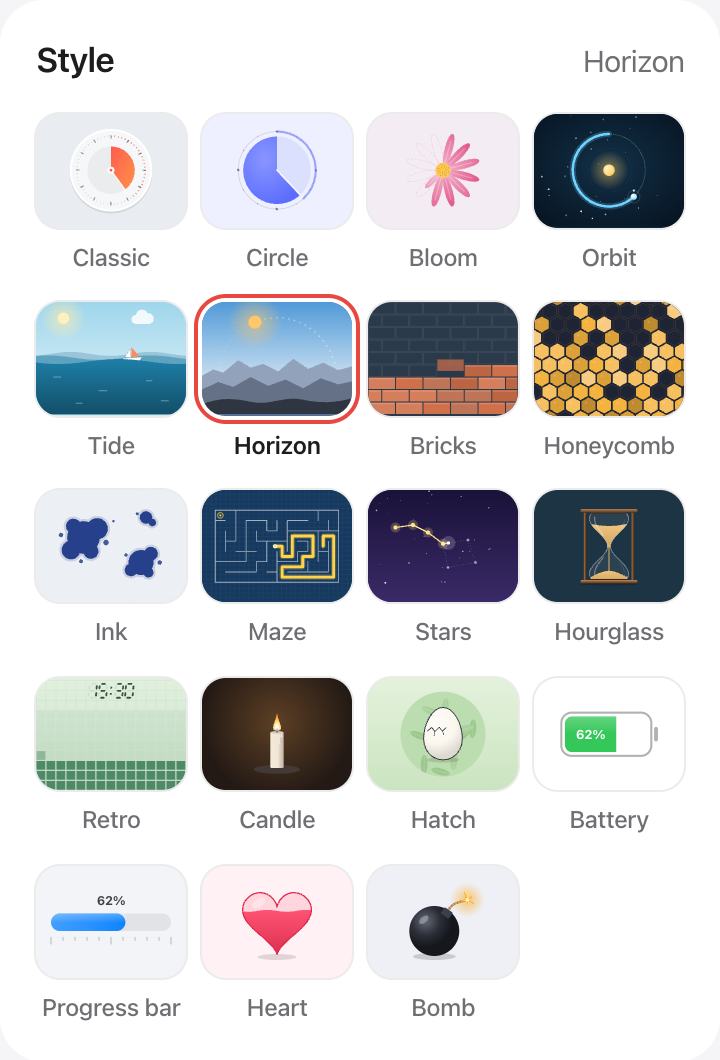
Horizon is the default: the sky moves from morning light to a starry night as the time runs out.
Build your setup
- Pick a style, then a color and a background that match your room.
- Upload your own photo as the background. It stays in your browser.
- Use Full screen on a second monitor or a tablet next to your laptop.
- Turn on dark mode in the header for evening sessions.
Study with a plan
Add your study blocks and breaks as tasks and turn on Auto-start next. The timer keeps the plan going while you keep your focus.
Questions and answers
Can I use my own background photo?
Yes. Under Background, press the photo swatch and pick an image. It is stored only in your browser.
Which style is the most calming?
Horizon, Bloom and Stars change slowly and softly. Ink and Tide are good choices if you like gentle movement.
Can I stream with the aesthetic timer?
Yes. Open it in Full screen in its own browser window and capture that window in your streaming software.
Is there a dark mode?
Yes. Use the moon button in the header. Many styles also have their own dark sky or night colors.