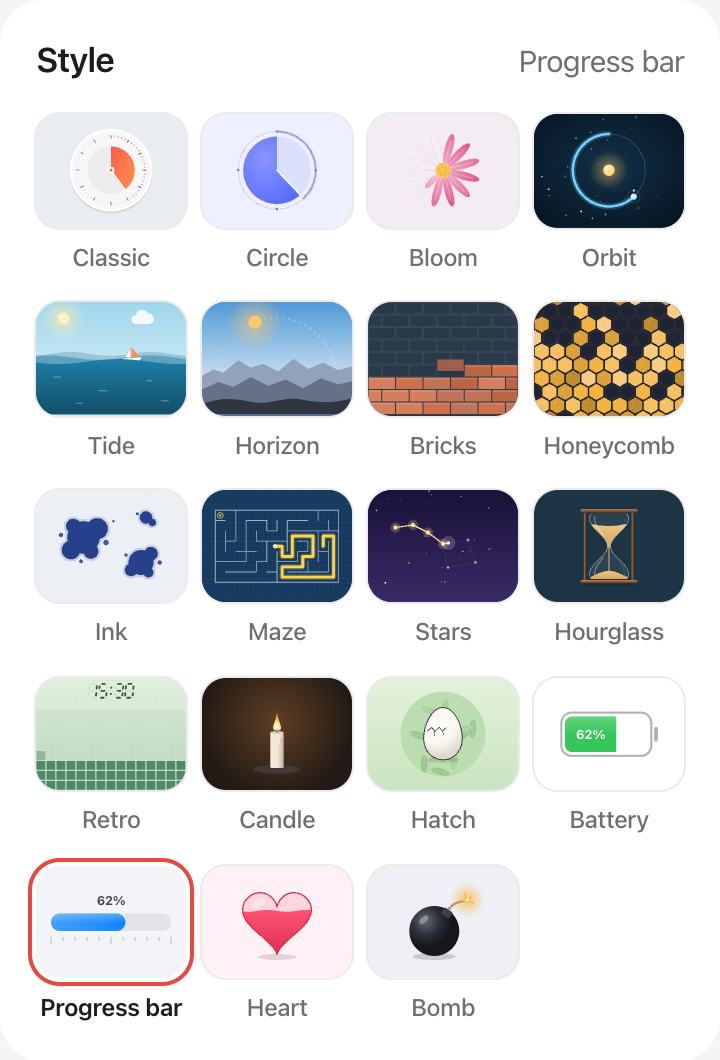
Time as a progress bar
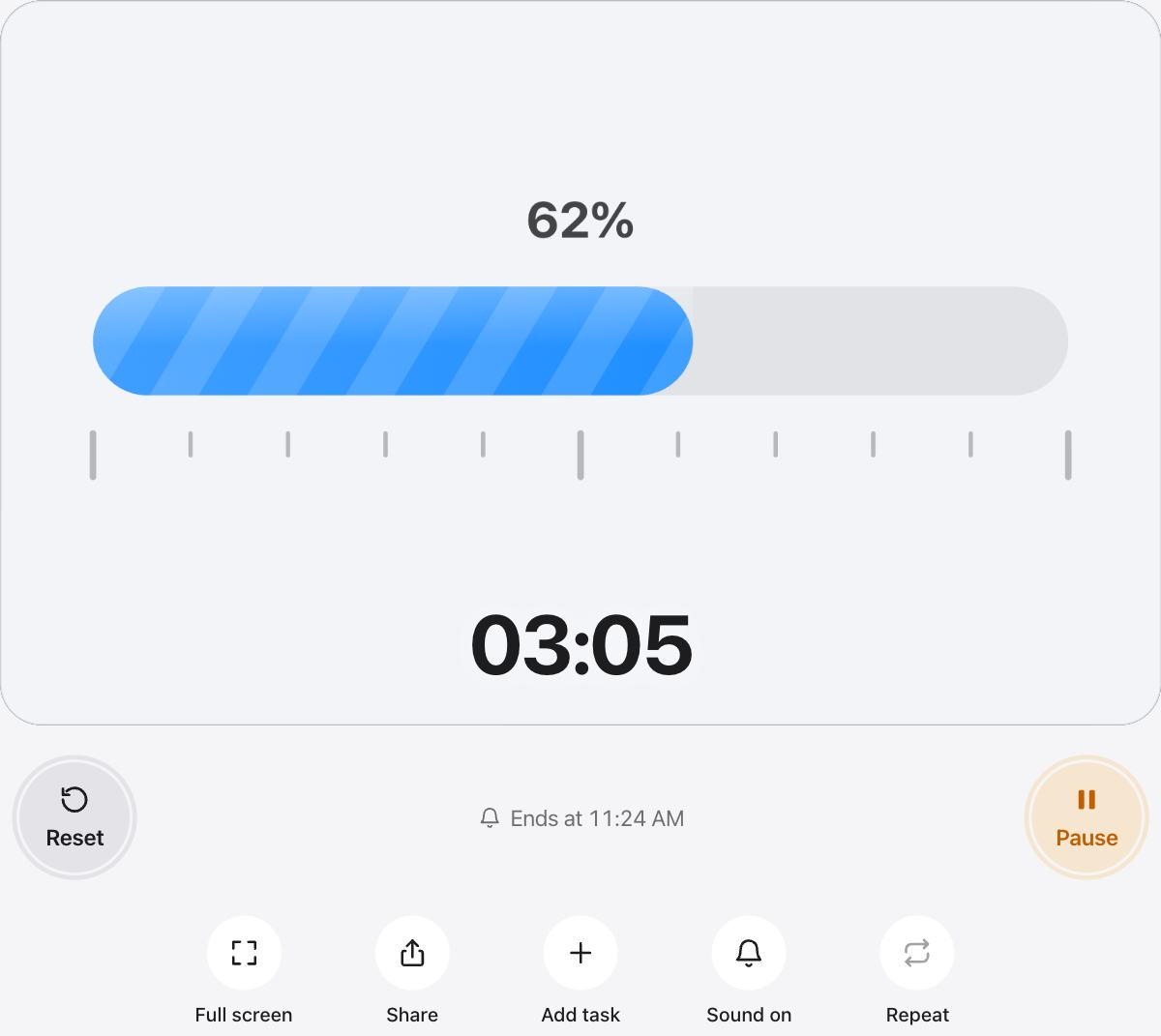
Everyone knows how to read a progress bar. It is a natural fit for meetings, talks and work sessions, where a clock face can feel out of place.
When the color is set to Auto, the bar turns orange with a quarter of the time left and red in the last tenth.
Good uses
- Meetings and stand-ups on a shared screen.
- Presentations, pitches and debates.
- Timed tests on a projector.
- Live streams and workshops.
Read it from far away
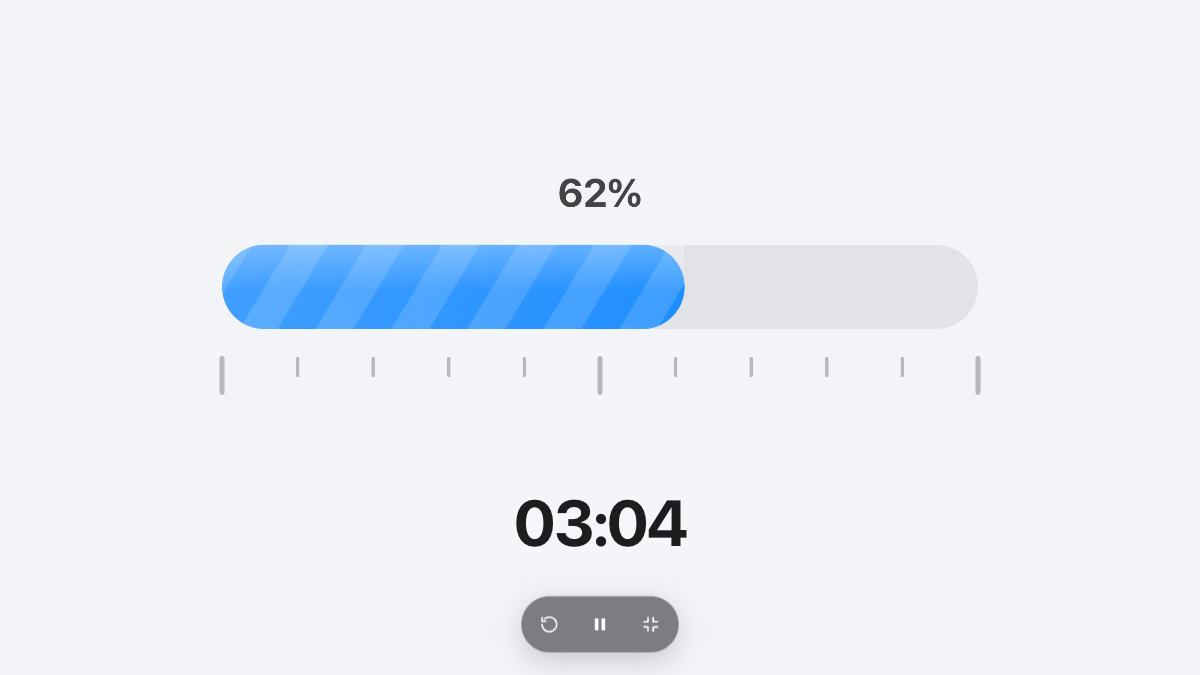
The bar fills most of the width of the screen and shows the percentage in large type, so it stays readable on a TV or a projector.
Questions and answers
Does the bar count down or up?
It counts down: the bar starts full and empties toward the start as the time runs out.
Why does the bar change color?
With the Auto color, it turns orange when a quarter of the time is left and red in the last tenth, as a gentle warning.
Can I pick my own color?
Yes. Choose any color under Color. A custom color stays the same all the way to the end.
Can I embed the progress bar in a stream?
Use Full screen in a browser window and capture that window in your streaming software.